


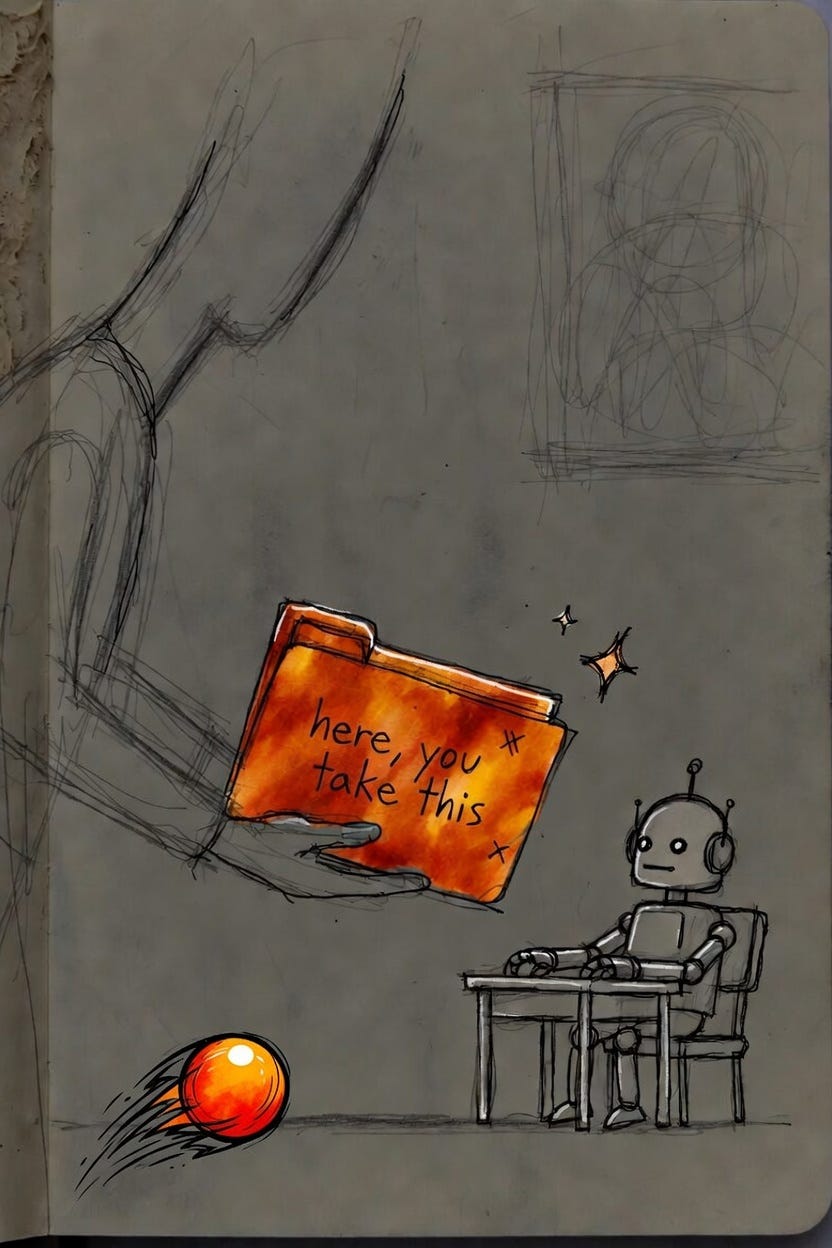
This morning I sat with my mother for two hours. She is over 80. We went through a pile of things she had been putting off for years. Statements she had stopped opening. A computer folder that had become a place where documents went to disappear.
She figured it out. By the end she was moving faster than I was.
What helped was not a lecture about getting organized. We did two things. We built her a small folder that tells Claude who she is and what she cares about. Then we set up one command she can run every morning when she sits down. The folder is the context. The command is the job. That combination is Cowork, and it is the first AI agent most people will use.
This is article 7 in the LavaHopper series. The earlier ones were about writing better prompts and building small repeatable workflows. This one is about handing a whole task to Claude and stepping back.
What Cowork actually is
Most people know Claude as a chat window. You type, it answers. Useful, but you are still doing all the steering.
Cowork is different. You point Claude at a folder on your computer, describe what you want done, and it works through the task on its own. It reads your files, makes a plan, and produces finished work: a sorted folder, a spreadsheet with real formulas, a daily brief built from your notes.
It runs inside the Claude desktop app, in a tab next to Chat. It is a research preview right now, available on the paid Claude plans (Pro, Max, Team, Enterprise) for macOS and Windows. You need the desktop app. It does not run on the web or on your phone.
Two things matter most for a beginner:
It only sees the folder you give it. Claude cannot read or touch anything outside the folder you select. You decide what it can access.
It asks before it acts. Claude shows you its plan first. For anything it cannot undo, like deleting a file, it stops and waits for you to click Allow. You stay in control the whole way through.
The two pieces: a folder and a command
Here is the part that made it work for my mother.
We made her a folder called About Me. Inside it, a single plain document: her name, where she banks, the bills she pays each month, the people she emails most, the kinds of mail she tends to ignore, and what she wants help staying on top of. Nothing fancy. A few paragraphs in her own words.
That folder is context. When Claude works in it, it knows who she is before it does anything. It is the difference between handing a job to a stranger and handing it to someone who already knows your situation.
Then we wrote one command she runs every morning. She opens the app, picks the About Me folder, and types the same thing each day: “Good morning. Look at what is here, tell me what needs attention today, and lay out my morning in plain steps.” She does not have to remember how to phrase it. It is the same command every time. The work changes. The command does not.
That is the shape worth learning. A folder that holds your context. A command you can run cold, the same way, every day.
Why this is the right first agent
An “agent” sounds like a big word. In practice it just means software that takes a goal and works out the steps itself, instead of waiting for you to spell out each one.
The reason to start with Cowork is that the work is bounded and visible. You are not turning Claude loose on your whole computer. You give it one folder and one job. You can watch it work. You can stop it. The blast radius is small, which makes it a safe place to learn what an agent feels like before you trust it with anything bigger.
My mother’s About Me folder was the perfect size for a first job. One contained place. One clear command she runs every day.
A setup walkthrough
Here is how to get Cowork running and build the same setup. This took my mother about ten minutes.
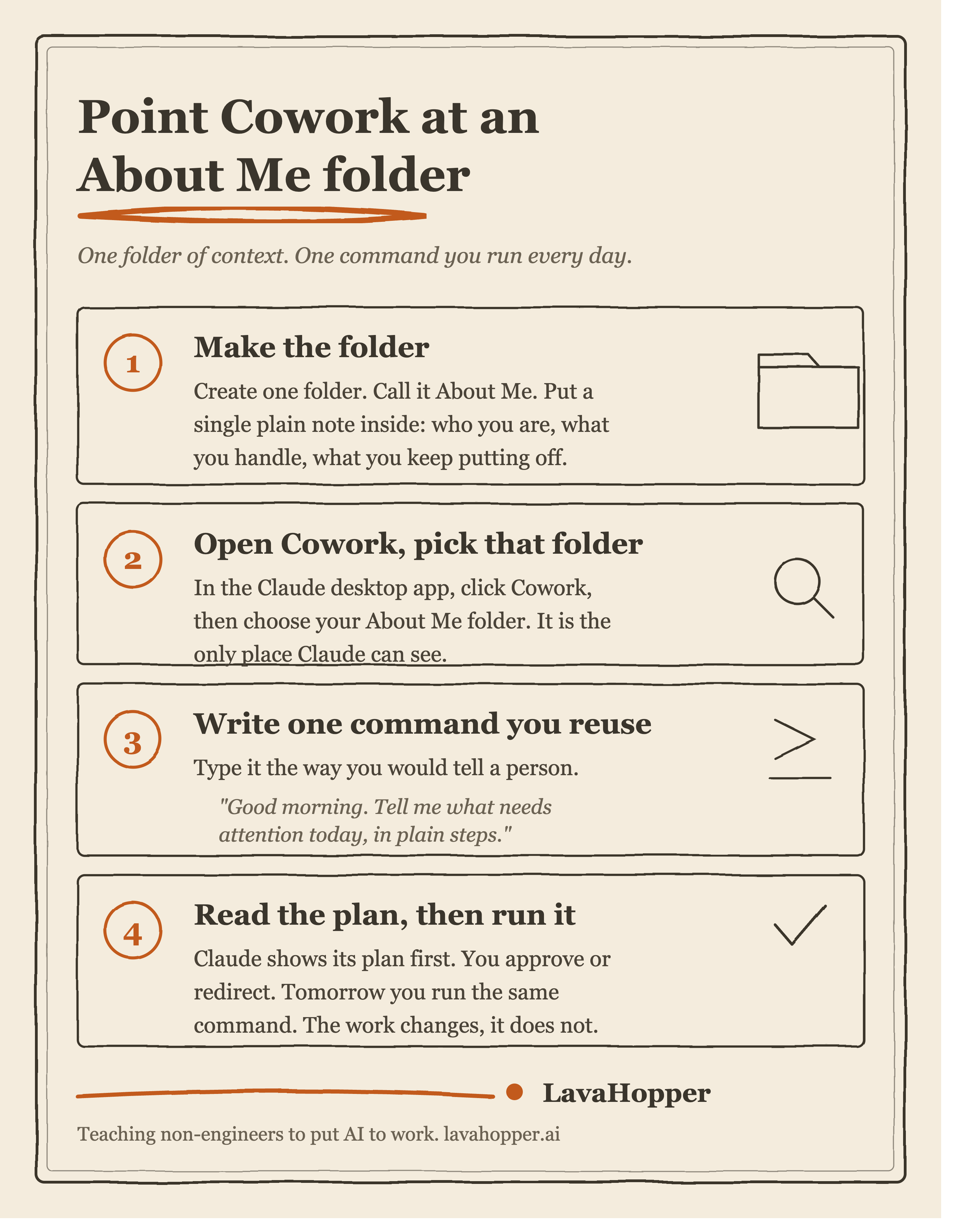
Download the desktop app. Go to claude.com/download and install Claude for your computer. If you already have it, update to the latest version. Cowork needs the current build.
Open Cowork. Launch the app and look for the tab selector at the top. You will see Chat, and you will see Cowork. Click Cowork.
Make an About Me folder. Create one new folder. Put a single document inside it. Write a few plain paragraphs: who you are, what you handle each week, the things you tend to put off, and what you want help staying on top of. This is the context Claude reads before it does anything.
Point Cowork at that folder. Cowork asks which folder you want Claude to work in. Choose your About Me folder. This is the only folder Claude can see, so you stay in control of what it knows.
Write one command you will reuse. Tell Claude what you want each morning, in plain words, the way you would tell a person. Something like: “Good morning. Look at what is here, tell me what needs attention today, and lay out my morning in plain steps.” Save that wording somewhere. It becomes your daily command.
Read the plan, then approve. Claude comes back with what it found and what it intends to do. You see its thinking before anything happens. If it is wrong, you say so and it adjusts. For anything permanent, it stops and asks. You click Allow or you redirect it.
Run it again tomorrow. That is the whole point. The command stays the same. You open the folder, type the command, read the plan, approve. Once you have done it once, every morning is the same shape.
Start small, then grow
The mistake is to start big. Do not hand Cowork your entire hard drive on day one. Start with one About Me folder and one daily command, and let the work grow from there.
Once the morning command feels natural, point Cowork at other contained jobs:
Sort a messy Downloads folder by type and date.
Take a folder of receipts and build a simple expense list.
Rename a batch of photos or documents into a consistent format.
Read a folder of meeting notes and pull out the action items.
Each of these is bounded. Each one finishes with something you can check at a glance. After a few, you will know what Cowork is good at, and you will reach for it without thinking.
What this is really for
The point of my two hours with my mother was not the folder. It was that she stopped avoiding the things she had been avoiding for years. The hard part, the sorting and the figuring out, got handled while she made the decisions. Now she sits down every morning, runs one command, and the day is laid out in front of her.
That is what an agent gives you. It removes the drudgery around the work so you can spend your attention on the parts that need a person. You still decide. Claude just clears the path.
Build one folder. Write one command. Run it tomorrow.
This is my read as a founder who builds with these tools every day, not professional IT advice. Cowork is a research preview and changes often, so a screen or two may look different by the time you try it. The shape of the work stays the same.
Next in the series: article 8.