


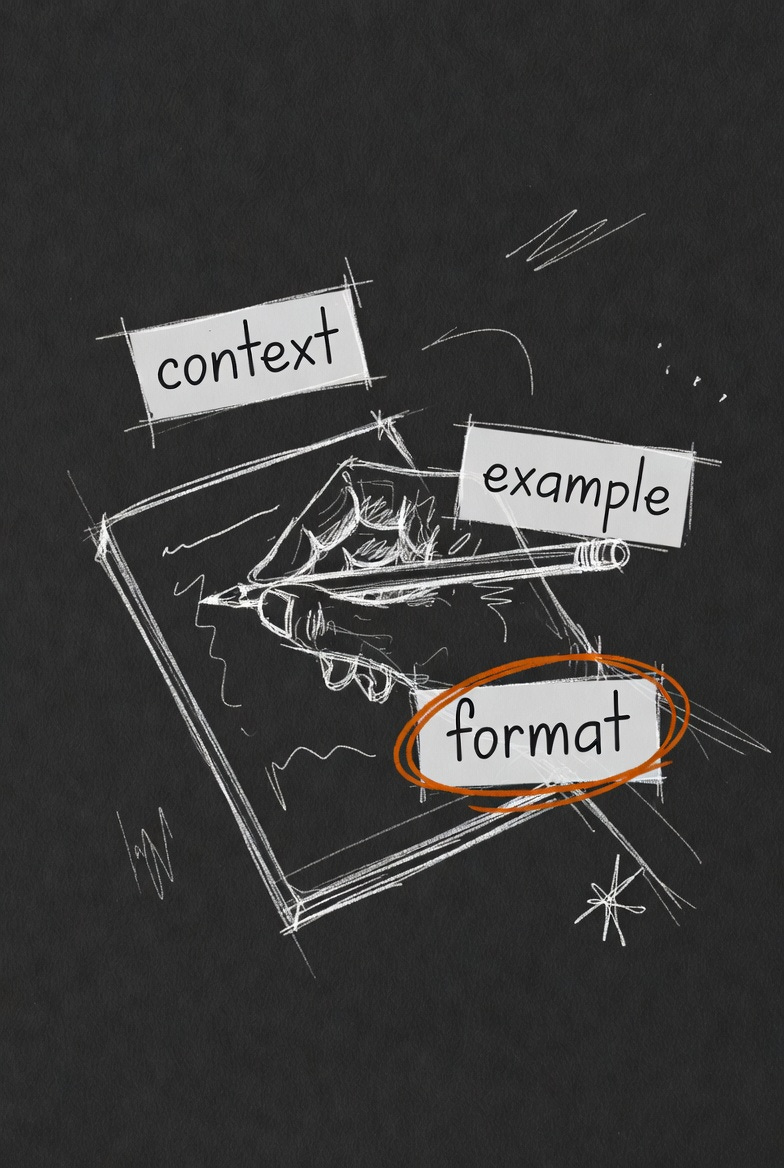
Last week I said the whole secret was treating AI like a new hire instead of a vending machine. Give it context, show it what good looks like, tell it the format you want. A few of you wrote back with the obvious next question: okay, how do I actually do that?
So here it is. The whole thing. And I want to say this up front, because it matters: you do not need a course for this. You don’t need to spend four hundred dollars on a “prompt engineering” class at the community college or buy some guy’s PDF. I’ve watched people do that. The thing they paid to learn fits in one article, and you’re reading it.
There are three pieces. Context, an example, and the format. Get those three and you’re past ninety percent of people already using these tools.
One: tell it who and what
The number one reason you get a generic answer is that you asked a generic question. The machine doesn’t know your business, your customer, your situation, or what you’re actually trying to do. So it gives you the average answer for the average person, which is to say, mush.
Context is just you filling that in. Who are you, what are you working on, what’s the situation, what do you want to happen.
Watch the difference on something simple. Bad: “Write a job posting for a server.” You’ll get a generic restaurant job posting that could be anywhere. Good: “Write a job posting for a server at my family-owned breakfast diner. We’re small, busy on weekends, and the thing I care most about is someone warm with regulars, since half our business is people who come every Saturday and we know their names. Keep it short and real, not corporate.”
Same machine. The second one knows your diner. The answer will too.
You’re not writing a perfect paragraph. You’re just telling it the stuff you already know in your head that it has no way of knowing. That’s the whole move.
Two: show it what good looks like
This is the one people skip, and it’s the most powerful of the three.
If you have an example of what you want, give it. AI is shockingly good at matching a pattern once it can see one. So if you’ve written a good customer email before, paste it and say “write the next one in this style.” If you like how a competitor’s about page reads, paste it and say “something like this, but for my business.” If you’ve got an invoice format you like, show it.
You’re handing it the target. Without an example, it guesses at your taste. With one, it copies it. That gap is enormous and it costs you nothing but a paste.
When I’m working on the company and I want something to sound like me, I don’t describe my voice. I can’t, really. I just paste three things I’ve written and say “match this.” Works every time.
Three: tell it the format you want
The last piece is the cheapest and people still forget it. Tell it how you want the answer to come back.
Do you want a bulleted list or a paragraph? Three options or one recommendation? Short or thorough? A table? An email ready to send, or notes for you to work from?
If you don’t say, it picks for you, and usually picks long. “Give me three options, one sentence each” gets you something useful in ten seconds. “Help me think about pricing” gets you an essay you have to read twice.
You’re the boss here. Tell it the shape you want the work in. It’ll give you that shape.
Put them together
Here’s all three at once, on a real task. Say I need to follow up with someone who asked about my services and went quiet.
I run a small bookkeeping business. A woman named Carol asked about my monthly package two weeks ago, seemed interested, then went quiet. I don’t want to be pushy or salesy, just a warm, light check-in that gives her an easy way back in. [context] Here’s a follow-up I sent someone else last year that landed well: [paste the old one]. Match that tone. [example] Keep it under four sentences, friendly, no pressure, end with a simple question. [format]
That prompt takes ninety seconds to write and gets you something you’d actually send. Compare it to “write a follow-up email,” which gets you “I hope this email finds you well.”
Context, example, format. That’s the course. That’s the whole thing.
The one habit that beats all of it
If you remember nothing else: stop expecting the first answer to be the final answer. Even a great prompt gets you a draft, not a finished thing. The people who get the most out of this are the ones who read the first reply and say “good, but make it shorter” and “you missed that she’s price-sensitive” and “less formal.” That back-and-forth is where the real quality lives. We’ll spend all of next week on exactly that, because it’s the single biggest thing separating people who think AI is mediocre from people who think it’s magic.
For now, just try the three. Next time you reach for AI, before you hit enter, ask yourself: did I give it context, did I show it an example, did I tell it the format? If you did even two of the three, you’ll feel the difference immediately.
That’s your homework. Three pieces. No course required.
This is Part 2. Next week, Part 3: why the first answer is never the final answer, and how the back-and-forth is where the magic actually happens.
Written by Matt at LavaHopper. I spent the last six months learning to actually work with these tools while running a company and raising three kids, the first of whom heads to college this fall. I’m sharing what I found, one piece at a time, for free, because nobody should have to spend money they’re saving for rent or tuition to learn the basics of this.
If this was useful, subscribe so you get the next one. There are eight more coming.
Find me here: Substack Matt Cronin · LinkedIn Matt Cronin · LavaHopper.ai